
Tools
Clay for Cold Email
Clay can be powerful for cold email, but only when the workflow around it is clear.
Clay is usually valuable when the team wants more control over enrichment, segmentation, waterfalls, and personalization inputs before outreach launches. It is much less useful when the team just wants a simple send-and-track platform. For example, Clay is a strong fit when the team wants to pull records from Apollo, enrich them with LinkedIn and company signals, score them, and then push a cleaned segment into Instantly or Smartlead. The next pages from here are usually B2B Email List Building, Segmentation Services, and B2B Email Personalization.
Best Use
Where This Tool Actually Helps
Clay fits teams that want deeper control over how prospect data is built and transformed before entering the campaign.
Best for enrichment-heavy workflows
Clay helps when the team wants stronger control over waterfalls, field logic, provider combinations, and custom enrichment outputs. For example, one table might add job-change signals, another might flag technology usage, and another might clean bad account names before export.
Best for segmentation-heavy campaigns
Clay becomes useful when segmentation depends on more than a few static filters and the team wants richer logic before writing the sequence. For example, you may want one segment for agencies under 50 employees using HubSpot and another for SaaS firms above 200 employees using Salesforce.
Best for personalization inputs
If the team wants better context for message variants, Clay can help structure the inputs that make personalization more meaningful. For example, it can prepare account-level notes or categorize companies by the operational pain the sequence will mention.
Workflow Fit
How To Use It In The Stack
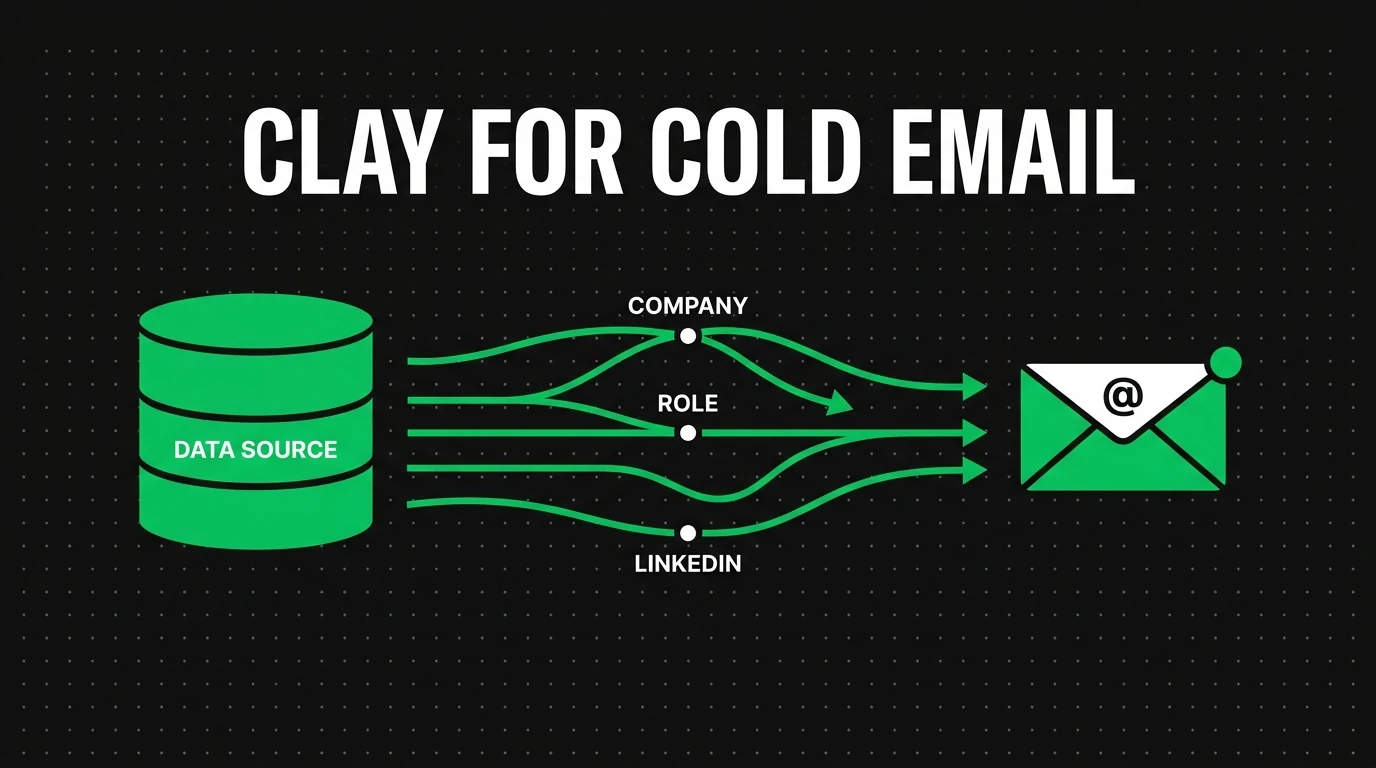
Clay is usually strongest as a preparation layer. It sits between raw data sources and the final sending workflow.
Source the data
The team usually pulls contact and account information from data providers, CRM records, and public sources before Clay organizes it. For example, Apollo may provide the base list while HubSpot contributes lifecycle or owner fields.
Enrich and structure it
Clay is then used to clean, enrich, combine, and segment the data so the output becomes more useful for outbound. For example, the workflow may score accounts by fit, remove duplicate records, and group companies by use case before writing starts.
Send it to the stack
After that, the processed data moves into the sending layer, CRM, or personalization workflow where the actual campaign runs. For example, the final export may go into Instantly for sending and Salesforce for opportunity tracking.
Weak Fit
Who Should Not Start With Clay
Clay is a weak first tool for teams that still have unclear ICP rules, weak message-market fit, or no stable sending process. In those cases, it usually adds complexity before the core system is ready for it.
Weak-fit sign
If your main problem is that you do not yet know who to target or how to message them, Clay is probably not the first fix.
Common Mistakes With This Tool
Most Clay mistakes happen when teams buy it for sophistication before they know what workflow they want it to support.
No clear table design
Without a clear workflow, Clay can turn into a messy workspace instead of a useful outbound asset.
Too much enrichment, no clear use
More fields do not automatically make the campaign better. The output still has to improve targeting or messaging.
Treating Clay like a sending tool
Clay is not the sending layer. It is stronger as the workflow and enrichment layer before the campaign goes live.
Ignoring downstream handoff
The value drops if the final output does not move cleanly into Instantly, Smartlead, HubSpot, or Salesforce.
Specific Scenarios
Where Clay for Cold Email Helps Most
These cards add more specificity by showing the workflows, teams, and edge cases where this tool becomes more or less useful.
Enrichment-heavy outbound team
If the pain is raw-data quality and workflow logic, pair Clay with list building first.
Segmentation and message prep
If the main need is smarter audience structure and better inputs for the sequence, the next pages are often Segmentation Services and Personalization.
Too early for Clay
If the ICP and message are still unclear, move first into the broader outbound model instead of a workflow tool.
Use This With
Best Next Pages After Clay for Cold Email
Use these pages to move from this tool into the related strategy, service, problem, or supporting tool page.